
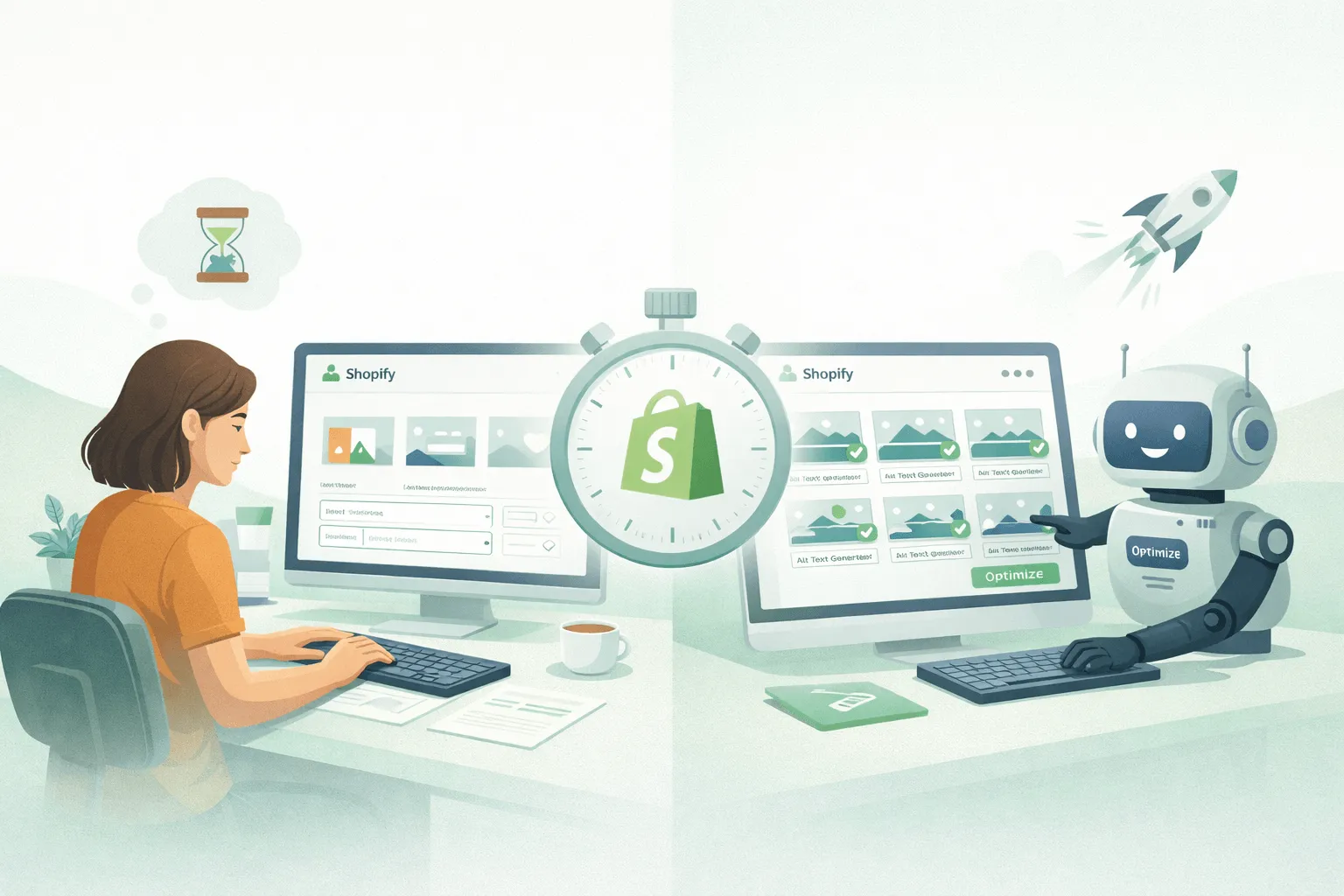
The Problem With Manual Work
Manual alt text optimization may seem simple. On paper, it is: write a short description and move to the next image. The real issue arises at scale.
For example, a store with 100 products and four images per product already has 400 images to optimize. Even at 20 seconds per image, the total time exceeds two hours. In reality, this is rarely done in one sitting. Store owners start, pause, return later, and repeat. Over time, this reduces momentum, making the task feel heavier with each interruption, and eventually, it gets postponed indefinitely.
The result? Some images are optimized properly, some remain blank, and keyword usage is inconsistent.
Search engines value structured and consistent data. Fragmented alt text undermines indexing, visibility, and ultimately, revenue. Human error in repetitive tasks is inevitable, and over time, these small mistakes compound, reducing the overall effectiveness of your optimization efforts.
Shifting From Tasks to Systems
The real breakthrough comes when store owners stop thinking in terms of individual tasks and start thinking in terms of systems. Manual workflows are task-based: each image is handled separately. Systems thinking is store-wide: optimization rules are applied across all images consistently.
Bulk optimization tools, like Bulk Alt Tag Optimizer, allow store owners to select multiple products or entire collections and update alt text in seconds. Tasks that once took hours now take minutes. The benefits extend beyond speed; consistency, error reduction, and SEO structure improve dramatically.
By shifting to a system-based workflow, Shopify store owners free themselves to focus on high-impact activities such as product descriptions, landing pages, or marketing campaigns. Automation removes repetitive friction, which is the main reason many stores fail to fully implement SEO best practices.
Step 1: Loading Your Catalog Instantly
The first step in bulk optimization is to load your store’s product catalog. Unlike many tools that require manual imports or configuration, modern Shopify bulk alt text apps automatically read all images across products, collections, and variants. This reduces initial friction and allows you to start optimizing immediately.
Instead of spending hours navigating individual product pages, you see a full overview of all images in your store. This overview also allows you to filter images by collection, product type, or category, making large-scale updates easier to manage.
Step 2: Select Multiple Images at Once
Once your catalog is loaded, the next step is selecting the images to optimize. Bulk optimization enables you to select entire collections, product types, or all images in the store. This is a game-changer. Tasks that would have taken hours manually are completed in seconds.
For example, you might select all images in your “Home & Kitchen” collection and apply a single template that automatically fills in alt text based on product name, category, and other attributes. The system applies this across hundreds of images simultaneously, ensuring consistency and saving significant time.
Step 3: Using Structured Templates
The biggest challenge with manual optimization is trying to write unique alt text for every image. This does not scale.
With a template, you define a structured format once, and the system applies it to all selected images. Examples include:
- {Product Title} – Buy Online in Bangladesh
- {Collection Name} – Premium Quality Product
- {Product Title} | {Category} | {Brand Name}
The exact format depends on your store and SEO strategy. The key point is that you stop writing individually and start creating a repeatable system.
Step 4: Apply Everything Instantly
After defining a template and selecting images, you apply the changes across your catalog. Automation completes the process in seconds, updating hundreds or thousands of images simultaneously.
This removes all manual repetition and guarantees that your alt text is consistent, structured, and complete. The benefits are immediate: improved SEO signals, better indexing, and reduced operational friction.
Consistency and SEO Benefits
Templates provide uniform alt text across all images. Consistency strengthens search engine signals, making indexing more effective and improving discoverability.
Automation also minimizes human error. Unlike manual editing, where skipped images, typos, or inconsistent keywords are inevitable, automated systems apply the same structured logic across the catalog. This ensures quality and reliability, which is essential as the store scales.
Built for Scale, Not Maintenance
Manual workflows work at small scale but quickly become inefficient as your catalog grows. Each new product adds more workload, creating a cycle where growth increases tasks and reduces efficiency.
Automation breaks this cycle. Once a structured template is defined, it can be applied across hundreds or thousands of images without additional effort. This makes scaling your Shopify store efficient and sustainable.
The Compounding Effect of Optimization
Optimized alt text impacts your store gradually but significantly. Images become easier for search engines to understand, appearing in image search results and increasing organic visibility.
Accessibility is another advantage. Proper alt text allows screen readers to interpret images, enhancing usability and inclusivity. Optimization therefore improves both SEO and overall store quality.
Workflow and Strategic Advantage
Automation allows store owners to focus on high-value tasks. Instead of spending hours editing images, you can dedicate time to improving product pages, testing offers, optimizing messaging, and scaling marketing efforts.
By removing repetitive, low-value tasks, bulk optimization contributes to faster learning and faster revenue generation. Consistent alt text also improves accessibility and SEO. Combined with a properly structured Shopify store, bulk optimization ensures maximum impact.
Conclusion
Manual alt text workflows are slow, inconsistent, and prone to error. Bulk automation replaces repetitive work with structured, scalable systems. Optimized alt text improves SEO, accessibility, and overall store performance.
Stores that implement bulk optimization save hours of manual labor, maintain consistent quality, and position themselves for scalable growth. By combining structured templates, automation, and proper store hierarchy, Shopify store owners can ensure their entire catalog is optimized in seconds rather than days.
Automation is not just a convenience—it is a necessity for scaling a Shopify store efficiently while maintaining SEO and usability standards.
 Tazul Hossain Shanto


