
One of the most time-consuming tasks for Shopify merchants selling internationally is updating the Country of Origin for multiple products.
If you are manually opening products one by one to update origin information, you are not only wasting valuable time but also increasing the risk of errors and operational inefficiencies.
In this guide, we’ll explain the best way to bulk edit Country of Origin in Shopify and how merchants can simplify the entire process with a faster and more scalable workflow.
Why Country of Origin Matters in Shopify
Country of Origin is more than just product information. It plays a critical role in international ecommerce operations.
Accurate Country of Origin data is important for:
- International shipping
- Customs declarations
- Product compliance
- Import and export documentation
- Duties and taxes calculation
Incorrect or missing origin data can lead to shipping delays, compliance issues, inaccurate customs processing, or even additional operational costs.
For stores selling internationally, maintaining accurate product origin information is essential.
The Problem with Manual Editing
Many Shopify merchants still manage Country of Origin updates manually.
This usually involves:
- Opening products individually
- Editing product details manually
- Saving updates one by one
While this may work for very small catalogs, it quickly becomes inefficient as the number of products increases.
Common Problems with Manual Editing
Manual workflows often create several operational issues:
- Time-consuming product management
- Increased risk of human errors
- Inconsistent product data
- Repetitive administrative work
- Difficult scaling for larger stores
If your business frequently imports products, works with multiple suppliers, or updates sourcing information regularly, manual editing can become a major bottleneck.
Instead of focusing on growth, marketing, or customer experience, merchants end up spending hours performing repetitive backend tasks.
The Best Solution: Bulk Editing by Collection
The fastest and most efficient way to manage Country of Origin data in Shopify is bulk editing by product collection.
Instead of editing products individually, merchants can simply:
- Select a collection
- Apply Country of Origin updates in bulk
- Update hundreds of products instantly
This approach dramatically improves workflow efficiency while reducing manual work.
Benefits of Bulk Editing
Bulk editing provides several major advantages:
- Saves significant time
- Improves product data accuracy
- Simplifies product management
- Reduces repetitive workflows
- Makes scaling easier for large catalogs
For growing Shopify stores, bulk editing is no longer just a convenience — it becomes a necessity.
Introducing HS Code Origin Bulk Editor Shopify App
To simplify this workflow, we built:
HS Code Origin Bulk Editor for Shopify
This Shopify app is designed specifically to help merchants manage Country of Origin and HS Code information more efficiently.
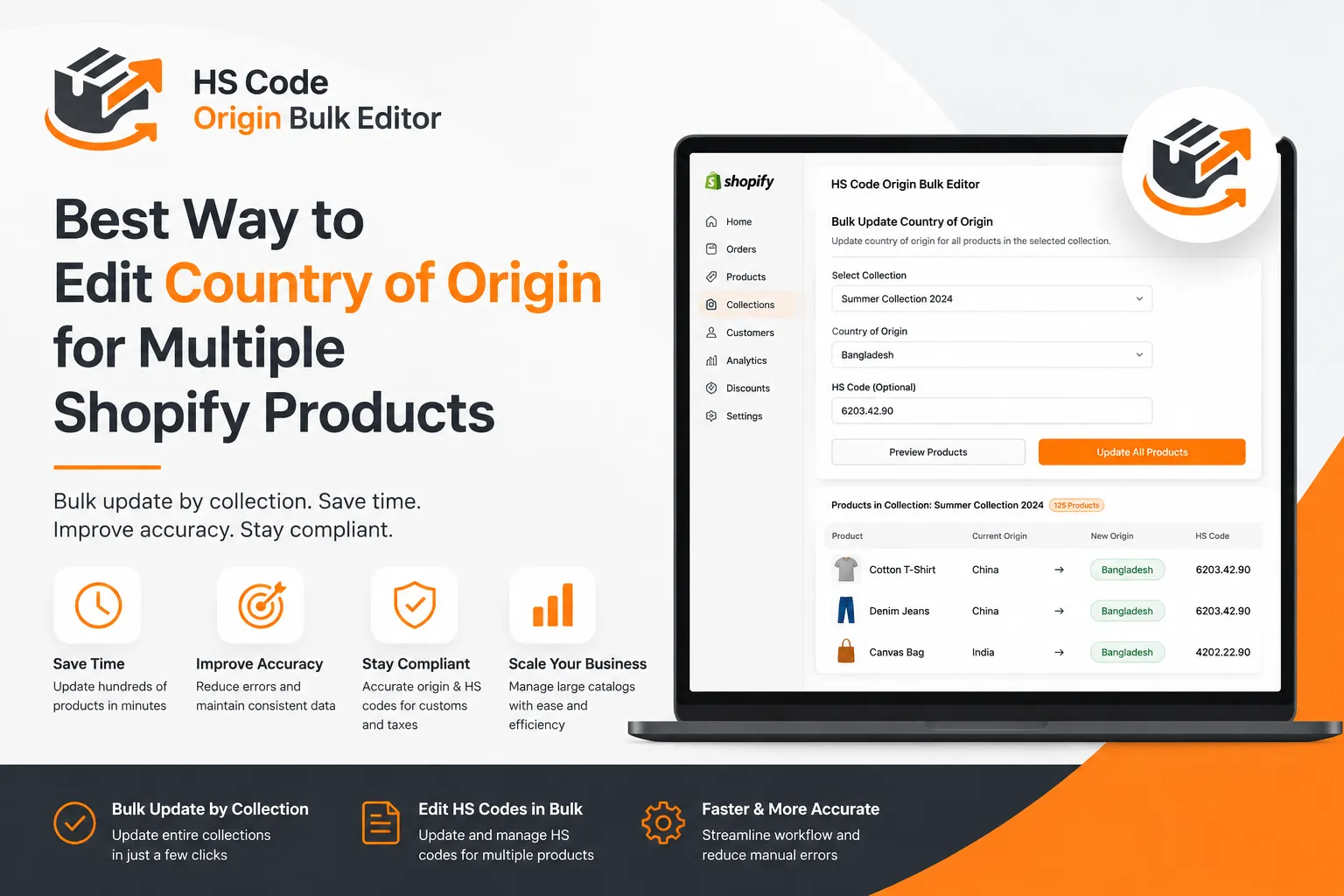
The app allows merchants to:
- Bulk update Country of Origin by collection
- Edit HS Codes for multiple products
- Manage product compliance faster
- Perform accurate updates without manual editing
Instead of wasting hours updating products individually, merchants can manage large product catalogs in just a few clicks.
The app is built for scalability, speed, and operational simplicity.
Key Features of HS Code Origin Bulk Editor
Bulk Update by Collection
Select an entire collection and instantly apply Country of Origin updates across all products.
This eliminates the need to manually open and edit products individually.
Simple Product Management
The app simplifies backend workflows by centralizing bulk updates into a much faster process.
Whether you manage 100 products or 10,000 products, the workflow remains efficient.
Faster Workflow
What previously took hours can now be completed in minutes.
This helps merchants save operational time and improve productivity.
Accurate Updates
Manual editing increases the chance of inconsistencies and mistakes.
Bulk editing helps maintain consistent product data across your entire store.
Who Should Use This App?
HS Code Origin Bulk Editor is especially useful for:
- International Shopify stores
- Dropshipping businesses
- Stores with large product catalogs
- Multi-supplier businesses
- Merchants handling import/export compliance
If your business regularly updates supplier information or product sourcing details, bulk editing can significantly simplify operations.
Why Bulk Editing Is Better Than Manual Editing
| Manual Editing | Bulk Editing |
|---|---|
| Slow process | Fast updates |
| High error risk | Consistent data |
| Repetitive work | Streamlined workflow |
| Difficult for large stores | Scalable solution |
As your Shopify store grows, operational efficiency becomes increasingly important.
Bulk editing helps merchants focus more on growth and less on repetitive administrative tasks.
Final Thoughts
Managing Country of Origin manually may work for small catalogs, but it quickly becomes inefficient for growing ecommerce businesses.
As operations scale, merchants need systems that help save time, reduce errors, and simplify backend management.
Using a bulk editing solution helps merchants:
- Save time
- Improve product accuracy
- Simplify compliance workflows
- Manage large catalogs more efficiently
If you want a faster and cleaner way to manage Country of Origin data in Shopify, bulk editing is the best solution.
Try HS Code Origin Bulk Editor
🚀 Bulk update Country of Origin by collection
🚀 Edit HS Codes for multiple products
🚀 Faster and more accurate product management
 Tazul Hossain Shanto


