









What types of investments can this plugin track?
The plugin supports stocks, mutual funds, ETFs, bonds, and custom asset types with dynamic data integration.
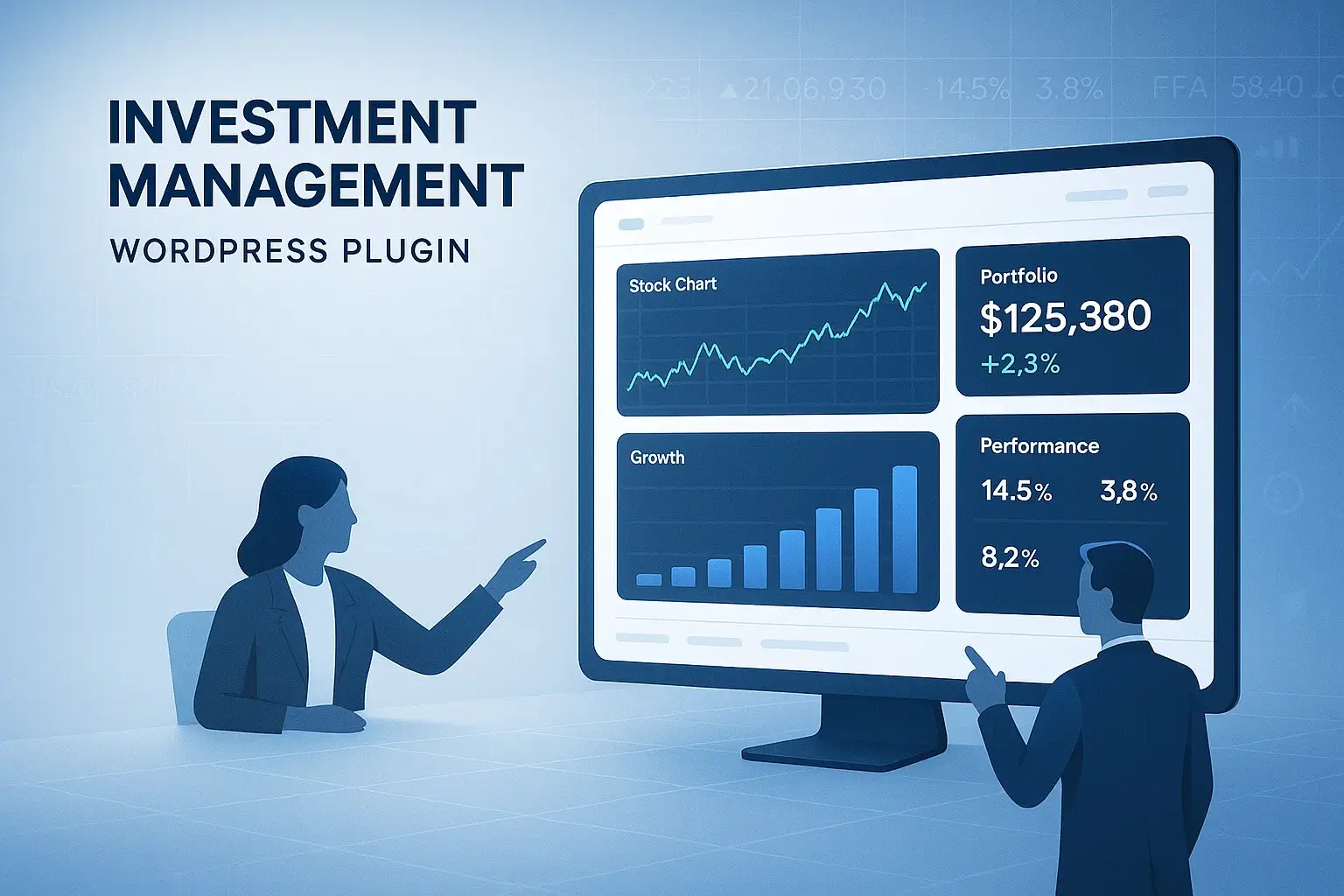
Designed for financial professionals and agencies who need smart, real-time investment tools, this plugin transforms your WordPress site into a powerful portfolio management platform. With dynamic dashboards, client-specific access, lead capture, and full customization options, you can deliver 24/7 investment insights that align perfectly with your brand.
Product Price: Original price was: $50.00.$29.00Current price is: $29.00.

Gain full control over users, transactions, and platform settings. Easily manage approvals, content, and system configurations. Ensure smooth operations with a centralized admin dashboard.

Track and manage user ROI (Return on Investment) efficiently. Automate calculations and payout schedules seamlessly. Provide users with transparent growth and earnings data.

Enable secure Bitcoin deposits and withdrawals. Built-in wallet for seamless crypto transactions. Offer users a safe, decentralized payment method.

Allow users to submit deposits or withdrawals easily. Admins can approve or process requests in real time. Streamlined workflow ensures smooth financial operations.

Facilitate instant transfers between user accounts. Enhance user engagement with peer-to-peer transactions. Secure and trackable transfers for complete transparency.
More than just a plugin—Transform Your Investment Strategy with Powerful Tools
Get eCcomFixR Today!
Simplify the management of deposits and withdrawals, saving time and reducing errors.

Users gain clear visibility into their investment status, fostering trust and engagement with the platform.

The ability to manually manage deposits and withdrawals allows for tailored investment experiences based on individual user needs.

The integration of BTC wallet functionality ensures that users can make secure payments and manage their funds effectively.

A dedicated investment menu in the My Account page makes it easy for users to manage their investments and requests.

We provide ongoing customer support for any issues you may encounter, ensuring you have the help you need whenever you need it.
| Feature | Investment Management Plugin (Best Choice) | Other Investment Plugins |
|---|---|---|
| Admin Control | Comprehensive control over deposits and withdrawals | Limited control, no manual approvals |
| User ROI Management | ROI input and tracking for each user | No direct user ROI management |
| BTC Wallet Integration | Fully integrated wallet functionality | No built-in wallet features |
| Deposit & Withdrawal Requests | Manual approval system for each request | Automated but with limited oversight |
| Inter-User Transfers | Supports seamless transfers between users | No transfer capability |
$29
1 Site License
Real-Time Portfolio Dashboard
Asset Tracking (Stocks, ETFs, Funds)
Lead Capture Form
Shortcode & Gutenberg Support
Basic Email Support (30 days)
Free Updates (6 months)
$49
3 Site Licenses
Client-Specific Dashboards Role-Based Access (Admin / Advisor / Client)
Role-Based Access (Admin / Advisor / Client)
White-Label Customization
API Integration (Gemini or External Data Feeds)
Performance Charts & Benchmark Comparison
Priority Support (6 months)
Free Updates (1 year)
Tailored for agencies, large firms, or multi-brand platforms.
Everything in Pro, plus
Unlimited Site License
Custom Feature Integration
Dedicated Onboarding & Training
Multisite & Multilingual Support
SLA‑Based Priority Support
Ongoing Consultation & Data Feed Setup
Extended API Support (Custom/Private Feeds)
White‑Label Developer Access

Excellent service and fast delivery!
 Verified Client
see more Instant and very friendly attention. He understood everything I asked and was able to port... See more
Excellent communication and true dedication!
Verified Client
see more Had a great experience working with @sharfarazahmed (eComFixR). His communication was exce... See more
Exceptional Service Every Time — Outstanding Quality and Expertise!
Verified Client
see more eComFixR, is absolutely brilliant! This is my seventh time ordering their service. The qua... See more
Fast and excellent communication and very friendly!
Verified Client
see more Sharfaraz and his team are a true pleasure to work with. With frequent video calls communi... See more
Outstanding First Experience — Brilliant Work & Exceptional Service!
Verified Client
see more Sharfaraz, is absolutely brilliant! The quality of work is outstanding. I had an amazing e... See more
Flawless Communication & Execution – Highly Recommend Sharfaraz!
Verified Client
see more Perfect in communication. Understand my needs. Its like reading my mind some times. Easily... See more
Absolutely Outstanding! Fast, Flawless, and Professional
Verified Client
see more 🌟 Absolutely Outstanding Work! 🌟 I hired this development agency to fix the color sc... See more
Truly Outstanding Remote Team!
Verified Client
see more These guys are awesome! I was a bit hesitant at first to outsource a bigger project to an ... See more
They Nailed My Vision – A Superb Experience!
Verified Client
see more Superb experience. Taking what I envisioned and to be able to bring it to reality, takes r... See more
Reliable, Knowledgeable, and Always Overdelivers!
Verified Client
see more Sharfaraz, is excellent! This is our third gig and he was so helpful and Extremely Knowled... See more
Working with Sharfaraz’s Team Is a Total Pleasure!
Verified Client
see more its really fun and pleasure working with Sharfaraz and his team. Exceptional service with ... See more
Live Sessions, Custom Work, and Real Results
Verified Client
see more These guys are awesome! I was a bit hesitant at first to outsource a bigger project to an ... See more
Top-Notch Service and Impressive Attention to Detail
Verified Client
see more Sharfarz, is absolutely brilliant! The quality of work is outstanding. I had an amazing ex... See more
Great Experience—Can’t Wait to Work with Them Again!
Verified Client
see more I truly love the work they did it definately is what i was looking for simple and effectiv... See more
Gets It Right the First Time
Verified Client
see more Efficient and understand the brief very well. Proactive to check and be very clear on task... See more
1
The plugin supports stocks, mutual funds, ETFs, bonds, and custom asset types with dynamic data integration.
2
Yes, each client gets a personalized dashboard showing their specific investment details, accessible only to them.
3
Yes, the plugin integrates with APIs (such as Gemini or others) to fetch live or scheduled price updates and portfolio performance.
4
The plugin is built to work with most modern WordPress themes and includes shortcodes for flexible layout integration.
5
Absolutely. You can fully customize colors, typography, layout, and branding to match your website style.
6
The plugin supports multiple user roles including Admin, Advisor, and Client, with role-specific views and permissions.
7
Yes. You can enable lead forms that capture user interests, goals, and contact details to help grow your advisory business.
8
Yes, it is multisite compatible and can be licensed for single or multiple domain use depending on your plan.
9
All sensitive user data is handled securely, with support for GDPR compliance, input validation, and access control.
10
Yes. Your purchase includes one year of priority support, regular updates, and detailed setup documentation.